

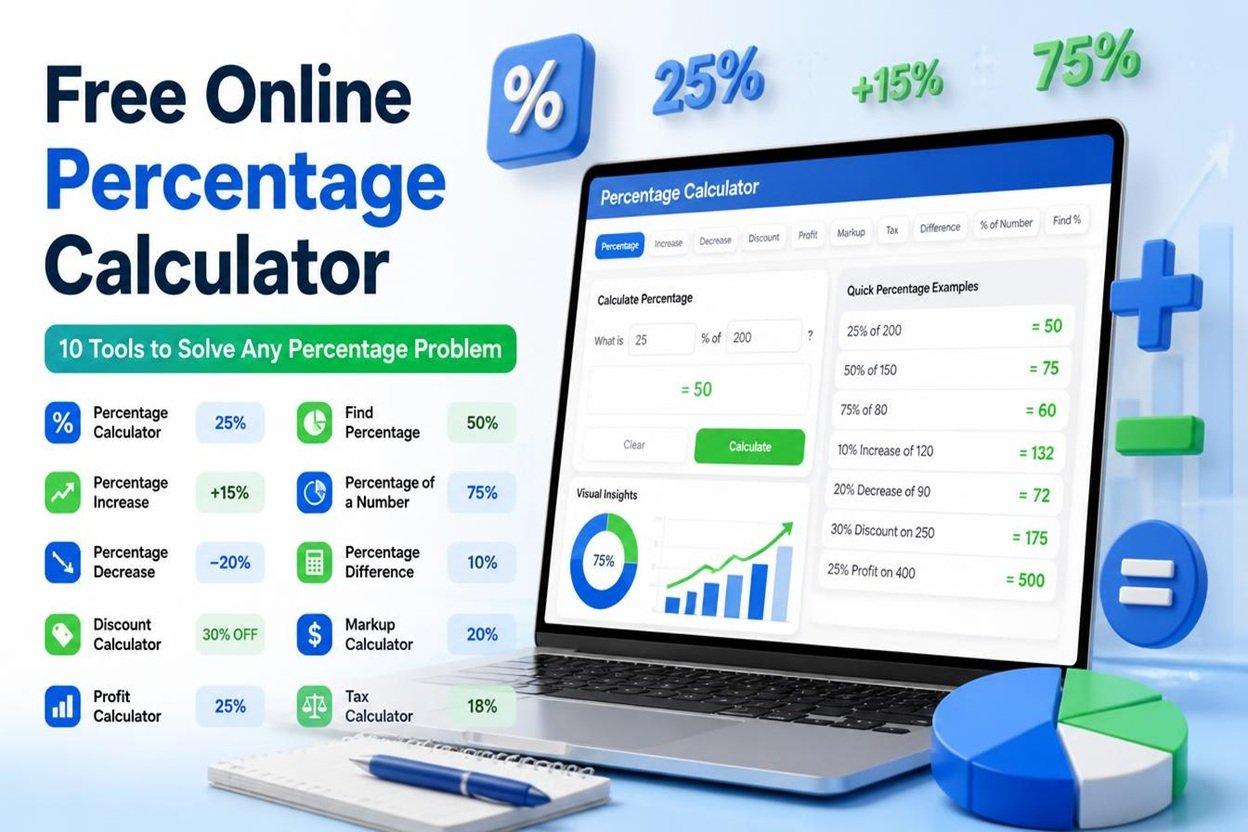
Percentage Calculator
Ten calculators in one. Results update as you type.
Shortcuts: Enter saves the result. Esc clears the inputs.
Free Online Percentage Calculator
Whether you are checking a sale price, working out a tip or comparing this month’s sales with last month’s, percentages come up all the time. Doing the maths by hand is slow, and one wrong step gives you the wrong answer.
Our free percentage calculator solves ten of the most common percentage problems in one place. Type in your numbers, see the answer straight away, and open the step-by-step working to check how it was calculated. There is nothing to download and no sign-up.
What Is a Percentage?
A percentage is a number written as a part of 100. The word comes from the Latin per centum, meaning “by the hundred”. So 25% means 25 out of every 100, which is the same as the fraction 1/4 or the decimal 0.25.
Percentages make it easy to compare amounts of different sizes. Saying that 45 out of 60 people passed is harder to picture than saying 75% passed.
How to Use the Percentage Calculator
- Choose a calculation. Pick the tab that matches your question, such as “% change” or “Discount & tax”.
- Enter your numbers. The result updates as you type, so there is no calculate button to press.
- Read the answer. You get the result, a plain-English sentence and a visual bar for percentage results.
- Check the steps. Open “Show the steps” to see the formula and each stage of the working.
- Save or share. Save the result, copy it, copy a link that reopens the calculator with your numbers, or print it.
The 10 Calculators Explained
1. What Is X% of a Number?
Use this to find a share of a total.
Formula: Percentage ÷ 100 × Number
Example: What is 20% of 150? 20 ÷ 100 = 0.2, and 0.2 × 150 = 30.
2. X Is What Percent of Y?
Use this to turn a part and a total into a percentage.
Formula: (Part ÷ Total) × 100
Example: You scored 30 out of 150. 30 ÷ 150 = 0.2, and 0.2 × 100 = 20%.
3. Percentage Change
Use this to measure how much a value has gone up or down compared with where it started.
Formula: (New value − Old value) ÷ Old value × 100
Example: A price moves from 50 to 65. The difference is 15, and 15 ÷ 50 × 100 = 30% increase.
4. Increase or Decrease a Number by a Percentage
Use this to apply a rise or a cut to a starting number.
Formula: Number × (1 ± Percentage ÷ 100)
Example: Increase 80 by 15%. 80 × 0.15 = 12, and 80 + 12 = 92.
5. Find the Whole From a Percentage
Use this when you know a part and the percentage it represents, but not the total.
Formula: Known value ÷ (Percentage ÷ 100)
Example: 30 is 20% of what number? 30 ÷ 0.2 = 150.
6. Percentage Difference
Use this to compare two values when neither one is the “original”.
Formula: |A − B| ÷ ((A + B) ÷ 2) × 100
Example: Compare 40 and 60. The gap is 20, the average is 50, and 20 ÷ 50 × 100 = 40%.
7. Discount and Tax Calculator
Use this to find the final price after a sale discount and optional sales tax.
Example: A 200 item is 25% off, with 8% tax. The discount is 50, so the price drops to 150. Tax on 150 is 12, so the final price is 162.
8. Tip and Bill Splitter
Use this to calculate a tip and divide the total between friends.
Example: An 86 bill with a 15% tip adds 12.90, making a total of 98.90. Split two ways, each person pays 49.45.
9. Profit Margin and Markup
Use this to see how much profit you make on a sale, as a share of the selling price (margin) and as a share of the cost (markup).
Formulas: Margin = Profit ÷ Price × 100. Markup = Profit ÷ Cost × 100.
Example: Cost 60, selling price 100. Profit is 40, so margin is 40% and markup is 66.67%.
10. Compound Growth
Use this to see what a value becomes when it grows by a percentage each period.
Formula: Start × (1 + Rate ÷ 100)<sup>Periods</sup>
Example: 1,000 growing 5% per period for 10 periods becomes about 1,628.89.
Features That Make Percentage Calculator Different
- Step-by-step working so you can learn the method, not just copy the answer.
- Live results that update as you type.
- Currency options for dollars, euros, pounds and rupees.
- Adjustable decimal places from 0 to 6.
- Quick percentage buttons for common values like 5%, 10%, 15% and 20%.
- Saved calculations with CSV export, stored privately in your own browser.
- Shareable links that reopen the calculator with your numbers filled in.
- Dark and light mode, plus a layout that works on phones and tablets.
- Print option for a clean copy of your result.
Common Percentage Mistakes to Avoid
Mixing up margin and markup. A product that costs 60 and sells for 100 has a 40% margin but a 66.67% markup. They use different bases, so they are never the same number unless profit is zero.
Adding and subtracting percentages in the wrong order. Increasing a price by 20% and then reducing it by 20% does not return you to the start. 100 becomes 120, and 20% off 120 is 96.
Using the wrong base for percentage change. Always divide by the old value. A rise from 50 to 65 is 30%, but a fall from 65 back to 50 is only about 23%.
Confusing percentage points with percent. If an interest rate moves from 4% to 5%, that is a rise of 1 percentage point, but a 25% increase in the rate itself.
Who Can Use a Percentage Calculator?
- Shoppers comparing sale prices and checking the real cost after tax.
- Students practising for exams and checking their working.
- Small business owners setting prices and tracking margins.
- Marketers and analysts reporting growth and month-on-month change.
- Diners and groups splitting a bill with the tip included.
Final Thoughts | Percentage Calculator
Percentages do not have to be confusing. With ten calculators, clear formulas and step-by-step working, this tool helps you get the right answer and understand how you got there. Try it above, save the results you need and share a link with anyone who wants to check the numbers.
Related Tools
Also visit our site: All Payoff Calculators
Frequently Asked Questions | Percentage Calculator
How do I calculate a percentage of a number?
Divide the percentage by 100 and multiply the result by the number. For example, 15% of 200 is 0.15 × 200 = 30.
How do I calculate a percentage increase?
Subtract the old value from the new value, divide by the old value, then multiply by 100. If a figure rises from 80 to 100, the increase is (100 − 80) ÷ 80 × 100 = 25%.
How do I calculate a percentage decrease?
Use the same method. If a figure falls from 100 to 80, the change is (80 − 100) ÷ 100 × 100 = −20%, which is a 20% decrease.
What is the difference between percentage change and percentage difference?
Percentage change compares a new value to an old starting value, so direction matters. Percentage difference compares two values symmetrically using their average, so the order does not matter. Use change for “before and after” questions and difference when neither number is the starting point.
How do I find a percentage discount?
Multiply the original price by the discount percentage and divide by 100. Subtract that amount from the original price. A 25% discount on 200 saves 50, so you pay 150.
What is the difference between profit margin and markup?
Margin is profit as a percentage of the selling price. Markup is profit as a percentage of the cost. Because the selling price is larger than the cost, margin is always the smaller number.
Can the Percentage Calculator handle negative numbers and decimals?
Yes. You can enter negative numbers and decimals, and choose how many decimal places appear in the result.
Is my data saved or shared?
Saved calculations and settings stay in your own browser on your own device. They are not sent anywhere and are not shared with other visitors.
Is this percentage calculator free?
Yes. The percentage calculator is free to use as often as you like, with no sign-up.
