

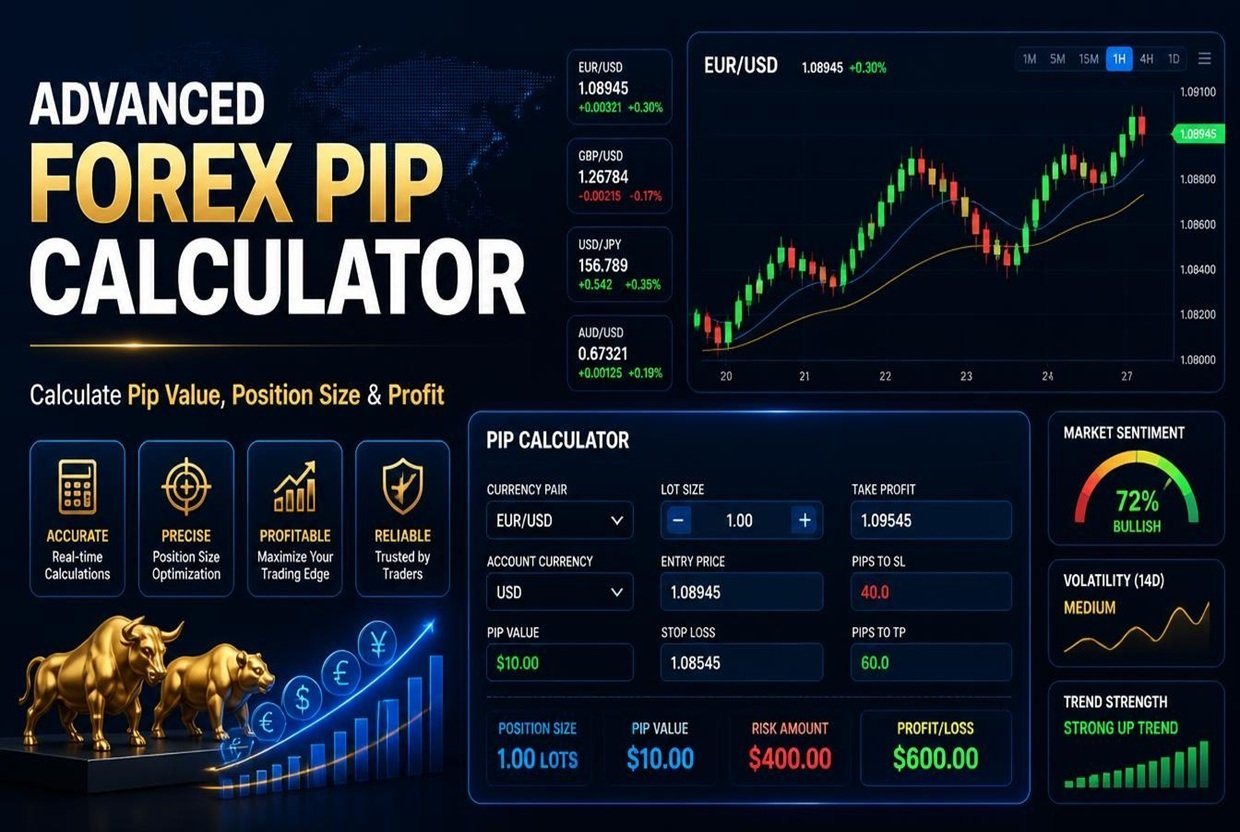
Advanced Forex Pip Calculator
Professional-grade trading calculations with risk management
Pips Gained/Lost
0.00
Profit/Loss
$0.00
Risk/Reward
1:0
Trade Details
Risk Amount
$0.00
Position Size
0.00 Lots
Margin Required
$0.00
Risk Meter
ModerateCalculator Settings
Save/Load
Professional Trading Insight
This enhanced calculator now includes risk management features essential for professional trading. Always consider swap rates and commissions in your calculations, especially for long-term positions. The risk management tab helps maintain proper position sizing according to your account balance and risk tolerance.
Advanced Forex Pip Calculator: Calculate Pips, Position Size, Profit and Margin
Every forex trade comes down to a few numbers: how many pips you are risking, what each pip is worth, and how large your position should be. Get any of them wrong and a normal losing trade can hurt far more than you planned. Our free Advanced Forex Pip Calculator puts all of these calculations in one place, so you can plan a trade in seconds and see exactly what is at stake before you click Buy or Sell.
What Is a Pip in Forex Trading?
A pip is the standard unit used to measure price movement in a currency pair. For most pairs, one pip is 0.0001. For pairs that include the Japanese yen, such as USD/JPY, one pip is 0.01. For gold (XAU/USD), this calculator treats one pip as 0.1.
Pips matter because they turn price movement into money. If you trade one standard lot of EUR/USD in a USD account, each pip is worth about $10. Trade a mini lot and it is about $1. Trade a micro lot and it is about $0.10. The calculator handles these conversions for you, including pairs where the quote currency is different from your account currency.
What the Advanced Forex Pip Calculator Does
This tool is built around four tabs, each covering a job traders do before, during and after a trade.
1. Position Size Calculator
Enter your account balance, how much you want to risk (as a percentage or a fixed amount), your entry price and your stop loss. The calculator returns the lot size that keeps your loss at the amount you chose.
You can enter your stop loss and take profit either in pips or as prices, and the two stay in sync. The results include:
- Lot size, with the equivalent in units, mini lots and micro lots
- Exact risk amount and risk as a percentage of your balance
- Pip value for your position size
- Potential profit and risk-to-reward ratio
- Margin required, margin as a share of your balance, and free margin after the trade
- A risk meter that rates the trade from low to extreme
- A visual trade ladder showing your stop loss, entry and take profit
- A reward table showing profit at 1R, 1.5R, 2R and 3R
The tool also warns you when something looks wrong, for example if the required margin is higher than your balance, if the lot size falls below 0.01, or if you are risking more than 2% on a single trade.
2. Profit and Loss Calculator
Already in a trade, or reviewing one? Enter your lots, entry price and exit price, plus commission and swap if your broker charges them. You get pips gained or lost, gross result, net profit after costs, return on margin, the change in your account balance, and the breakeven distance in pips. Swap is calculated per lot per day, so holding costs for longer trades are included.
3. Pip Value and Margin Calculator
This tab shows what one pip and one pipette are worth for your chosen lot size. It also lists the value per pip for standard, mini, micro and nano lots, and the margin you would need at every common leverage level from 1:1 up to 1:1000. It is a quick way to compare how leverage changes the capital you need to open a position.
4. Trade Journal
Save any calculation with one click. Your journal keeps the date, pair, direction, lots, entry, stop, target, risk and result, and you can export everything to a CSV file for Excel or Google Sheets. Trades are stored in your own browser, not on our servers.
Supported Instruments and Account Currencies
The calculator covers major pairs like EUR/USD, GBP/USD and USD/JPY, minor pairs like EUR/GBP, GBP/JPY and AUD/NZD, exotic pairs like USD/TRY, USD/ZAR and USD/MXN, and gold and silver. You can set your account currency to USD, EUR, GBP, JPY, AUD, CAD, CHF, NZD or SGD.
Exchange Rates and Accuracy
To convert pip value into your account currency, the calculator uses exchange rates. It comes with approximate built-in rates, which you can edit by hand, and you can load live rates with a single click. For the most accurate result on cross pairs, update the rates before you calculate and compare the output with your broker’s own pip value. Brokers can use different contract sizes and pip definitions, so treat the result as a planning tool, not a guarantee.
How to Use Advanced Forex Pip Calculator
- Choose your instrument, direction (buy or sell), account currency, balance and leverage.
- Open the Position Size tab and choose your risk type and amount.
- Enter your entry price, then your stop loss and take profit in pips or price.
- Read your lot size, risk, margin and risk-to-reward ratio.
- Save the trade to your journal, or copy a short summary to share or keep.
Why Position Sizing Matters
Many new traders pick a lot size by feel and then place the stop loss wherever the chart suggests. Professional risk management works the other way around. You decide how much you are willing to lose first, then size the position so the stop loss costs exactly that amount. Risking a small, fixed percentage per trade keeps one bad trade, or a run of them, from doing serious damage to your account. This calculator makes that approach quick enough to use on every trade.
Tips for Better Results
- Include commission and swap in your plan, especially for trades held overnight.
- Check that the reward-to-risk ratio fits your win rate. A 1:1 ratio needs to win more than half the time just to break even.
- Re-check margin when you change leverage, since higher leverage lowers the capital needed but does not lower your risk.
- Review your journal regularly to spot patterns in the pairs and sizes that work for you.
Disclaimer: This calculator is for educational and planning purposes only and is not financial advice. Trading leveraged products such as forex carries a high risk of loss, and you can lose more than you expect. Always confirm calculations with your broker.
Related Tools
Also visit out site for payoff Calculators at: All Payoff Calculators
Frequently Asked Questions
1. How do I calculate pip value?
Multiply the pip size by the contract size (100,000 units for one standard lot), then convert the result into your account currency. For EUR/USD in a USD account, one standard lot gives about $10 per pip. The calculator does this automatically for any supported pair and account currency.
2. How do I calculate the right lot size for my account?
Decide how much to risk, for example 1% of your balance, then divide that amount by your stop loss in pips multiplied by the pip value per lot. The Position Size tab does this for you and rounds the result down to 0.01 lots if you choose that option.
3. Does the calculator work for gold and JPY pairs?
Yes. JPY pairs use a pip size of 0.01, and gold and silver are included as separate instruments with their own contract sizes. For gold and silver, enter a price so the position value and margin can be worked out.
4. Why does my broker show a slightly different pip value?
Brokers may use different contract sizes, quote more decimal places, or convert currencies using their own live rates. Load live rates in the calculator, or type in your broker’s rate, to bring the results closer together.
5. Is my trade journal data stored online?
No. Saved trades and settings stay in your own browser and are never sent to our servers. Clearing your browser data will remove them, so export a CSV if you want a permanent copy.
