

Introduction
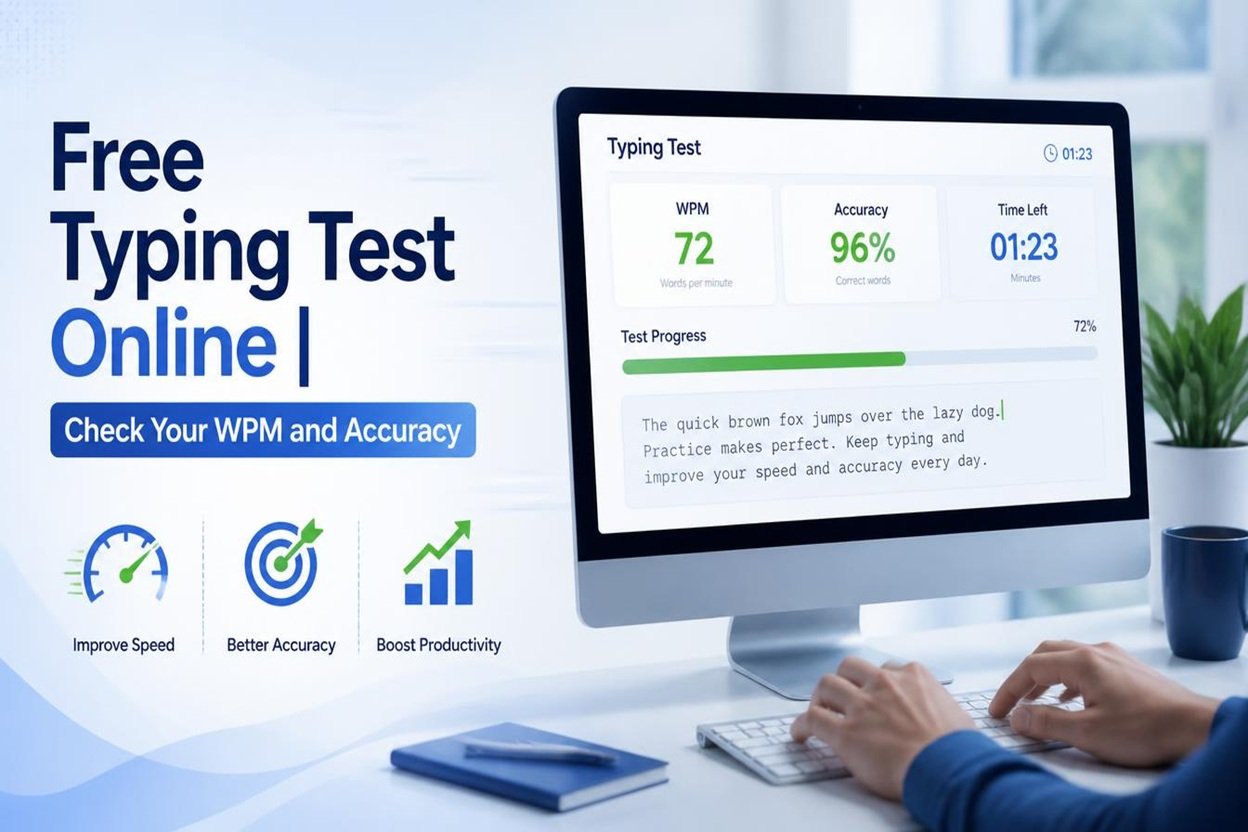
A free typing test is a simple online tool that helps you measure how fast and accurately you can type. Whether you are a student, office worker, freelancer, or job seeker, good typing skills can save time and improve productivity. You do not need to install software or pay a fee to check your typing performance.
With an online typing test, you can practice typing words and sentences, measure your speed in words per minute (WPM), and check your accuracy. Many tools also provide instant results so you can understand your strengths and identify areas that need improvement.
If you want to improve your keyboard skills, prepare for a typing job, or simply become faster at everyday computer tasks, taking a free typing test is an excellent place to start.
What Is a Free Typing Test?
A free typing test is an online tool that measures your typing speed and accuracy. It usually displays a paragraph, a group of words, or random text for you to type within a specific time.
The test tracks how quickly you type and how many mistakes you make. At the end, it provides results that help you understand your current typing level.
Most typing tests offer different durations, such as one, three, five, or ten minutes. Beginners can start with a short test, while experienced typists can choose a longer session to evaluate their consistency.
The best part is that you can take a typing test online for free whenever you want.
How Does an Online Typing Test Work?
Using an online typing speed test is simple. You only need a computer or another compatible device with a keyboard.
Follow these steps:
- Open a free typing test: Visit a website that offers an online typing test.
- Choose the test duration: Select a one-minute, three-minute, or longer test.
- Read the displayed text: Look at the words or paragraph shown on your screen.
- Start typing: Type the text as accurately as possible.
- Check your results: Review your typing speed, accuracy, and errors when the test ends.
- Practice regularly: Repeat the test to track your progress over time.
For the best results, sit comfortably, keep your fingers on the keyboard correctly, and avoid rushing just to achieve a higher score.
What Is WPM in a Typing Test?
WPM stands for Words Per Minute. It is a common measurement used to calculate typing speed. It tells you how many words you can type in one minute.
For example, if your typing speed is 40 WPM, you can type approximately 40 standardized words per minute under the test’s scoring method.
Typing speed is important, but it should not be your only goal. Accuracy also matters because correcting mistakes takes extra time.
A useful typing test should help you understand both your speed and your accuracy so you can develop balanced typing skills.
What Is a Good Typing Speed?
A good typing speed depends on your experience, job requirements, and personal goals. The following table provides general benchmarks rather than strict standards.
| Typing Speed | General Level |
| 10–20 WPM | Beginner |
| 21–35 WPM | Developing |
| 36–50 WPM | Good for many everyday tasks |
| 51–70 WPM | Fast |
| 71–90 WPM | Very fast |
| Above 90 WPM | Excellent speed |
These levels are approximate and may vary depending on the test, text difficulty, and scoring method.
For many everyday computer tasks, a speed of 40–50 WPM can be useful. Some administrative jobs require higher speeds, while specialized typing positions may have specific minimum requirements.
Instead of comparing yourself with everyone else, focus on improving your own results.
Why Should You Take a Free Typing Test?
Taking a free typing test offers several benefits.
1. Measure Your Typing Speed
A typing test shows how many words you can type per minute. This helps you understand your current skill level and set realistic improvement goals.
2. Improve Typing Accuracy
Typing errors can slow you down and affect the quality of your work. By reviewing your mistakes, you can learn to type more carefully.
3. Prepare for Typing Jobs
Many data entry, administrative, transcription, and customer support positions require typing skills. Regular practice can help you prepare for employment tests.
4. Save Time at Work and School
Faster typing makes it easier to complete assignments, write emails, prepare reports, and handle documents.
5. Track Your Progress
Taking the same type of test regularly helps you see whether your speed and accuracy are improving.
Tips to Improve Your Typing Speed and Accuracy
You do not need to be a professional typist to improve your skills. Simple daily habits can make a difference.
Practice every day: Spend 10–15 minutes practicing instead of doing one long session occasionally.
Learn touch typing: Try to type without looking at the keyboard. This helps you develop muscle memory.
Focus on accuracy first: Typing correctly is more useful than typing quickly with many mistakes.
Use the correct finger positions: Learn the home row keys and practice using the appropriate fingers for each key.
Maintain good posture: Sit comfortably, keep your wrists relaxed, and position your keyboard at a suitable height.
Practice with different texts: Use common words, complete sentences, numbers, and punctuation to develop more flexible skills.
Monitor your results: Record your WPM and accuracy after each practice session. Set small, achievable goals.
Consistency is more important than trying to become a fast typist overnight.
Who Can Benefit From an Online Typing Test?
A free typing test can help people from many backgrounds.
- Students: Improve typing speed for assignments, research, and examinations.
- Job seekers: Prepare for recruitment tests that measure keyboard skills.
- Office workers: Complete emails, reports, and other documents more efficiently.
- Freelancers: Improve productivity when writing articles, handling data, or communicating with clients.
- Transcriptionists: Practice accuracy and speed for text-based work.
- Beginners: Learn keyboard basics and build confidence using a computer.
Anyone who uses a keyboard regularly can benefit from testing and improving their typing skills.
Features to Look for in the Best Free Typing Test
When choosing an online typing test, look for features that make practice useful and convenient.
- Instant results: Get your WPM and accuracy score immediately.
- Multiple test durations: Choose a test that fits your available time.
- Error tracking: Identify incorrect characters and common mistakes.
- Simple interface: Use a clean, easy-to-understand layout.
- Progress tracking: Compare results across practice sessions when available.
- No unnecessary downloads: Start practicing directly in your browser.
- Free access: Check that the essential test features are available without payment.
A good typing test should be easy to use and help you improve without creating unnecessary distractions.
Conclusion
A free typing test is an effective way to measure your keyboard skills, check your typing speed, and improve accuracy. It can help students, professionals, freelancers, and job seekers become more confident and productive.
Start by checking your current WPM, practice for a few minutes every day, and pay attention to your mistakes. With regular practice and the right techniques, you can gradually build better typing habits.
Take a free typing test today and take your next step toward faster, more accurate typing.
Related Tools
Also check out payoff calculators at: All Payoff Calculators
Frequently Asked Questions (FAQs)
1. Is a free typing test really free?
Yes, many online typing tests are completely free. They allow you to measure your typing speed, check accuracy, and practice without paying or downloading software.
2. How can I check my typing speed online?
Open a free typing test website, choose a test duration, and type the displayed text. When the test finishes, you will see your words per minute (WPM) and, if supported, your accuracy score.
3. What is a good WPM score for beginners?
A typing speed of 20–30 WPM is a reasonable starting point for many beginners. With regular practice, you can gradually increase your speed and accuracy.
4. How can I improve my typing speed quickly?
Practice for 10–15 minutes daily, learn touch typing, maintain proper finger placement, and focus on accuracy before speed. Consistent practice usually produces better results than occasional long sessions.
5. Can I take a free typing test on my mobile phone?
Many typing test websites work on mobile devices. However, using a physical keyboard generally provides a more useful measurement of traditional keyboard typing speed.

One thought on “Free Typing Test Online | Check Your WPM and Accuracy 2026”