

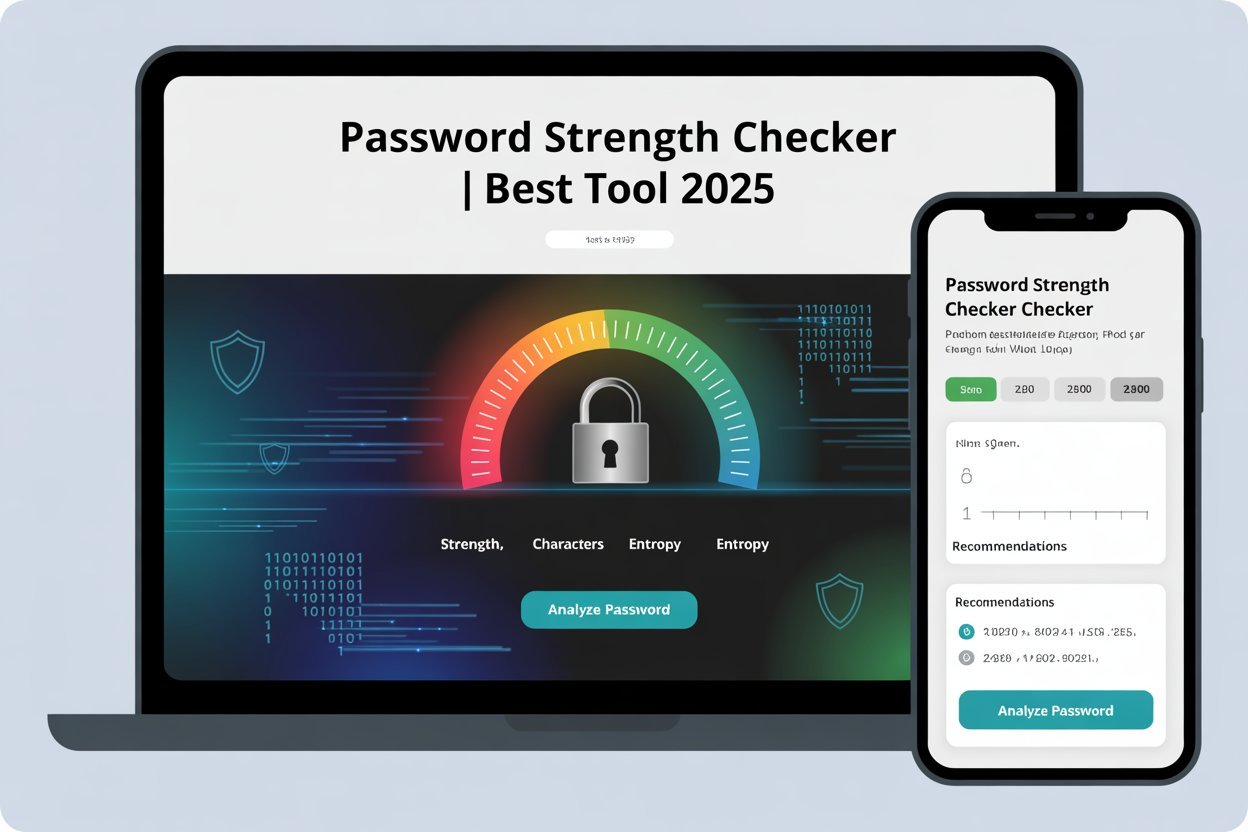
Password Strength Checker
Security Requirements
- At least 12 characters
- Uppercase letters (A-Z)
- Lowercase letters (a-z)
- Numbers (0-9)
- Special characters (!@#$ etc.)
- No obvious patterns
- No personal information
- Not a common password
Password Metrics
Time to Crack
Professional Recommendations
- Use a minimum of 16 characters for sensitive accounts
- Consider using a password manager for better security
- Enable two-factor authentication wherever possible
- Change passwords every 90 days for critical systems
- Avoid password reuse across different sites
Introduction: Password Strength Checker
Poor passwords are one of the leading causes of account breaches, identity theft, and financial fraud. Recent cybersecurity research indicates that in more than 80% of hacking cases, the breach occurs through a stolen or targeted password. By 2025, when everything from digital banking to private health records is behind a password, security can no longer be optional.
Password Strength Checker is made to check your password is strong or weak. Whether you’re safeguarding your social media accounts, personal finances, or business statistics, this utility provides instant feedback and recommendations that result in stronger passwords.
What Is a Password Strength Checker?
A password strength checker is based on sophisticated algorithms to assess parameters such as length, complexity, and randomness. The main goal is to help you come up with a password that hackers will have a hard time guessing or breaking.
A good password strength checker not only provides you with a score, but it also gives you hints on how to improve your password. This makes it one of the simplest ways to bolster your online security.
Password Strength Checker: How it Works
Here are the steps in detail:
- Analyze Length: A longer password is more challenging to crack. The tool checks if yours is at least 12 characters long.
- Check Complexity: It tries to find a combination of uppercase, lowercase, numbers, and symbols.
- Patterns: The security score drops when common words, phrases, and predictable patterns are used.
- Estimate Crack Time: The tool tells you how long an attacker would need to guess your password through brute force.
Password Strength Checker is run locally, so feel free to use it without worrying about your data being saved and leaked. The privacy and security of our users are first-class.
Features of the Best Password Strength Checker 2025
Instant Strength Feedback
It provides real-time results, indicating whether your password is weak, fair, firm, or very strong with a visual meter.
Actionable Suggestions
The tool doesn’t just inform you that your password is weak; it offers detailed suggestions on how to improve it. For instance, try adding numbers, using special characters, or making it longer.
Privacy & Security First
Your password is never uploaded or stored. All of this is done in your browser for privacy.
Mobile & Desktop Friendly
There’s nothing to lose by checking it out; you can use the checker on your phone, tablet, or computer while still having all of its functionality.
Why a Strong Password Matters in 2025
Rising Cybercrime & Data Breaches
Cyberattacks are proliferating in number and complexity. Weak passwords are the first line of attack.
Financial & Professional Risks
For those working in finance, a weak password can leave client data, banking credentials, and sensitive corporate documents vulnerable. This can result in significant financial loss and non-compliance.
Compliance & Best Practices
Privacy laws like GDPR, SOC 2, and payment processors such as PCI DSS also dictate that businesses must have strong password policies. A password strength checker is a way to fulfill these requirements.
How to Create a Strong Password (Expert Tips)
Use a Mix of Characters
Mix upper and lower case letters as well as numbers and symbols to make your password less predictable.
Go Beyond 12+ Characters.
Each additional character makes your password exponentially more secure. Try every bit of 12 characters, but longer is best.
Avoid Common Words & Patterns
Avoid passwords such as “password123” and “qwerty.” Attackers try these first.
Consider a Password Manager
A password manager can create and save a different (random) password for each of your accounts. That way, you don’t have to remember all of them.
Password Strength Checker vs Password Generator
When to Use Each Tool
You can check existing passwords using the password checker. If your password is weak, use a password generator to make a new one.
Combine for Maximum Security
Create a strong password, and then use the checker. When you have marked it as strong, save it in your password manager.
Best Practices for Business & Finance Professionals
Protecting Clients’ Data and Financial Accounts
For online banking, accounting software, and file-sharing services, we recommend using a strong alternative password.
Enable Multi-Factor Authentication (MFA)
The inclusion of MFA on top of a strong password is what gives you the most protection.
Regularly Audit Employee Passwords
And make sure your employees are constantly testing out passwords and changing the weak ones.
Conclusion: Password Strength Checker
Weak passwords leave you vulnerable. Test your existing passwords and use our free Password Strength Checker to make them stronger. Safeguard your accounts and money, and lower your risk of cyberattacks. Bookmark this tool and share it with your colleagues; better passwords are just a click away.
Related Tools
Check out our health-related tools at: Healthy Vibes24
Also, check out the payoff calculators at: All Playoff Calculators
FAQ: Password Strength Checker
Q1: What is a password strength checker, and how does it work?
It quantifies the length of your password, its complexity, and predictability (through estimates of how long it would take to crack it), then spits out a score with improvement tips.
Q2: Is it not dangerous to enter my password in an online checker?
Yes, provided the tool is running locally in your browser and not storing or transmitting your data.
Q3: What is a strong password?
Length, complexity, and unpredictability. Mix letters, numbers, and symbols to make it more difficult to guess.
Q4: How long is a password supposed to be in 2025?
You want something at least 12 characters long. For sensitive accounts, add even more time.
Q5: Can a hacker steal my password through a password checker?
Unless the tool is secure and doesn’t send your actual password to a server.
Q6: What’s the distinction between password strength and password entropy?
Strength is a way of judging how hard/guessable a password is in practice. Entropy is the mathematical measure of its unpredictability.
Q7: Is a passphrase stronger than a password?
Yeah, but the random word passphrase is way easier to remember.
Q8: How frequently should I update my password?
If you think there has been a breach, change any potential passwords. Otherwise, concentrate on making them specific and strong.
